 PomoZentra.
A Pomodoro timer alternates a block of focused work with a short break. For example, spend your first block drafting the opening of a proposal, then step away when the timer ends.
See the setup guide for a walkthrough of tasks, work areas, logging and reports.
The defaults are 25 minutes for Focus, 5 minutes for a Short Break, and 15 minutes for a Long Break after every four focus rounds. You can change all four settings under Settings → Timer.
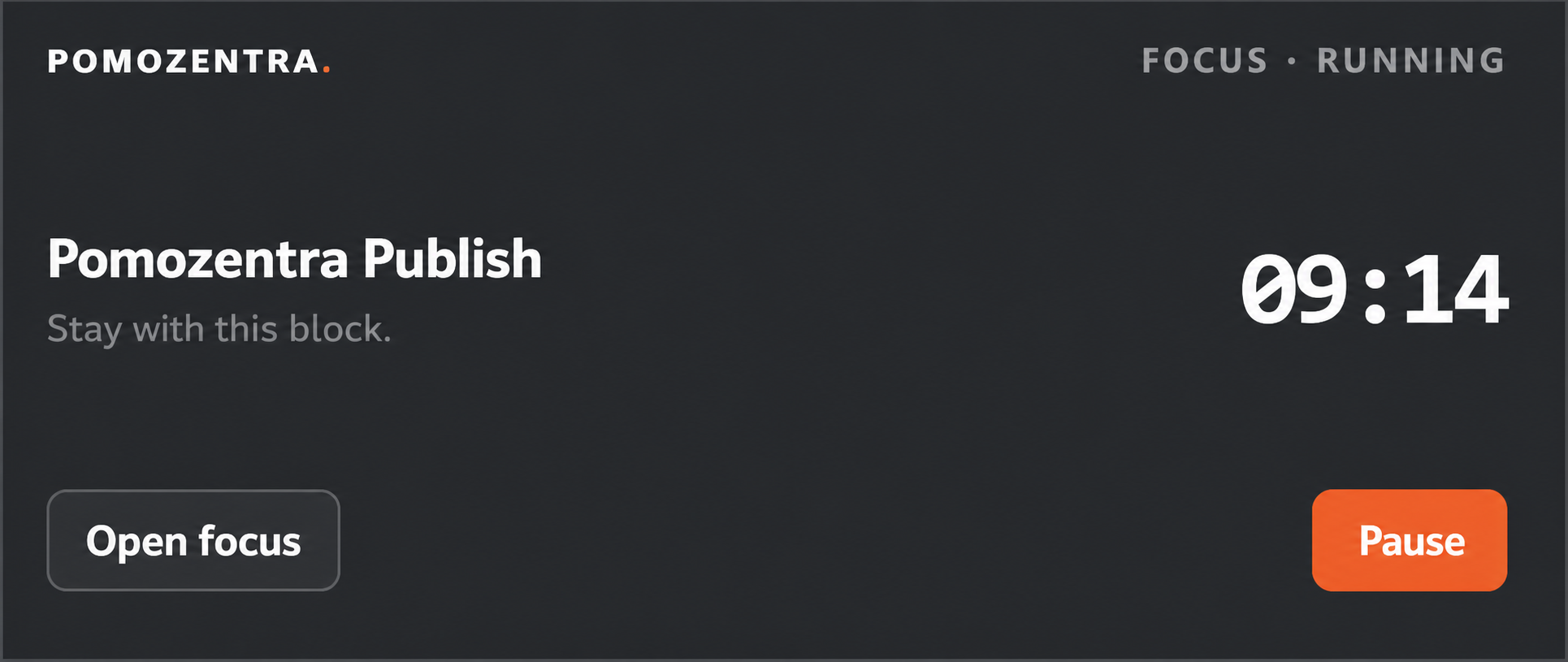
Start a round and select Float on desktop. The floating window shows the remaining time, the current task and timer controls while you work in another tab or application.
The button appears in desktop browsers that support Document Picture-in-Picture. You can still use the timer in its own tab on other browsers, including mobile.
Yes. The timer, breaks and tasks work for free as a guest. Your work stays in this browser. Sign in free with Google to sync across devices and use Weekly plan, Alignment, Reports and Outputs. No card is required.
The FAQ covers storage and export, offline use and the optional output tracker.
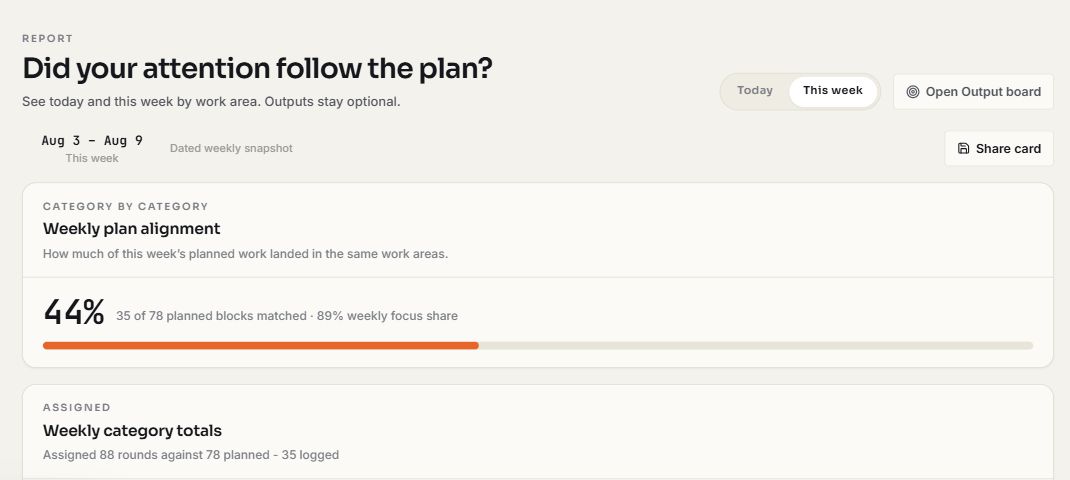
Set a block target for each work area in Weekly plan. After you log your rounds, the weekly Report shows how much matched the plan. Extra blocks in one area cannot fill a shortfall in a different area.
| Work area | Planned | Completed | Matched |
|---|---|---|---|
| Writing | 3 | 2 | 2 |
| Client delivery | 4 | 5 | 4 |
| Finding new work | 2 | 2 | 2 |
| Total | 9 | 9 | 8 |
You planned three writing blocks and completed two. Even with an extra client block, eight of the nine planned blocks matched, for 89% Plan Alignment after rounding. Read the Method to see how partial credit works.
Use work areas that match your week. For example, freelancers can separate client delivery from finding new work and give each area its own target. The Guide shows how to customize work areas and choose weekly priorities.