
 PomoZentra
You need a personal weekly feedback loop
Use PomoZentra when the useful record is completed focus rounds by work area, compared with the priorities you planned for the week.
Toggl Track records where time went. PomoZentra checks whether completed focus rounds followed the week you planned.
The products can overlap at the timer, but they serve different records. Toggl Track is built for projects, clients, billing, reporting and teams. PomoZentra is built for an individual comparing completed rounds with planned work areas.
Skip to the verdictTimer and tasks work without an account. Weekly planning and reports require free sign-in. No card required.
Choose by what must remain trustworthy after the timer stops.
Use PomoZentra when the useful record is completed focus rounds by work area, compared with the priorities you planned for the week.
Use Toggl Track when time entries feed billing, profitability, project reporting, team controls, integrations or shared operational records.
It does not try to turn a focus round into a billable time entry.
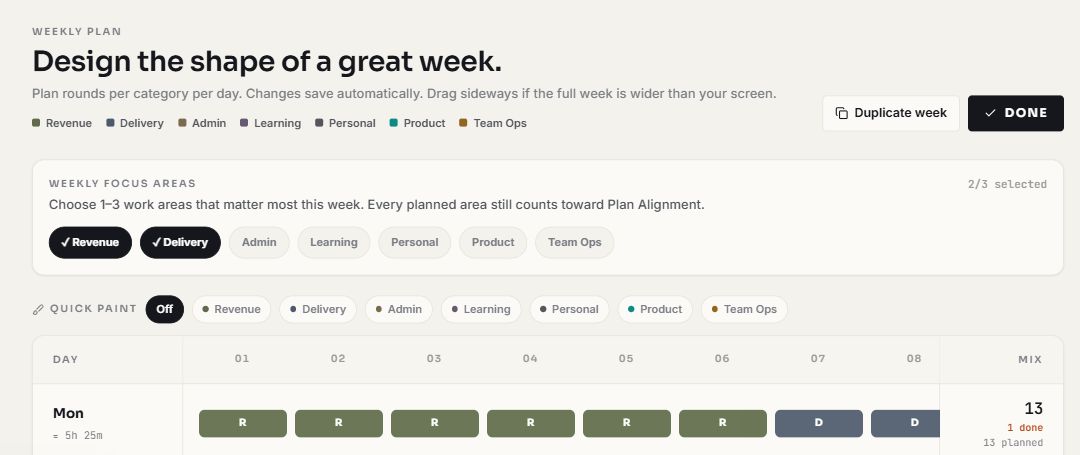
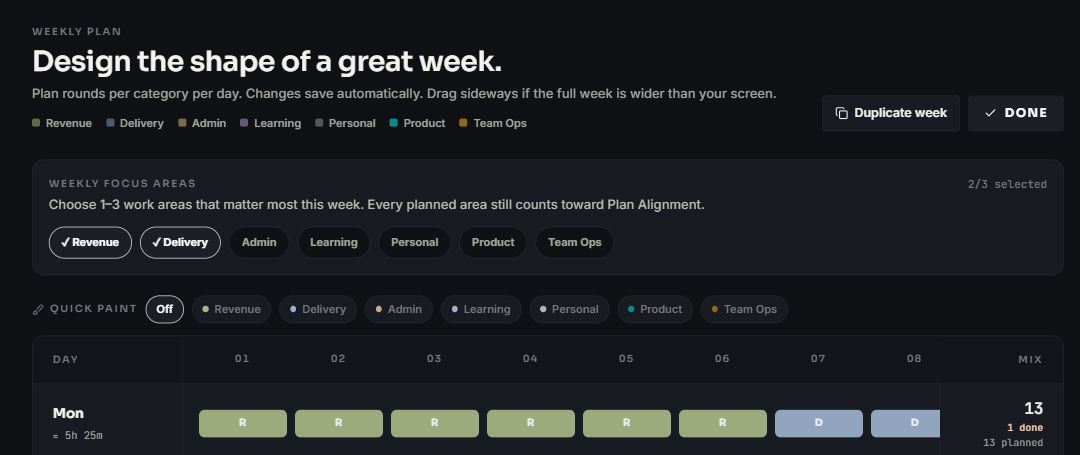
Plan rounds across the work areas that should receive attention this week.
Complete and log rounds against the task and work area they belong to.
Review which planned areas are ahead, aligned or still missing completed rounds.
The overlap is smaller than the word timer suggests.
| Decision factor | What it means | PomoZentra | Toggl Track |
|---|---|---|---|
| Primary record | The unit that must remain useful after the work is complete. | Completed or partial focus rounds assigned to tasks and work areas. | Time entries assigned to projects, clients, tasks and other reporting dimensions. |
| Business reporting | Whether the record supports revenue, project and client decisions. | No billing, rates, invoicing, profitability or client reports. | Official features include billable rates, profitability, invoicing, project reports and report sharing. |
| Pomodoro workflow | Where interval focus is available. | Built into the browser workflow, with a floating timer in supported desktop browsers. | Its official Pomodoro page describes browser-extension, desktop and mobile modes. |
| Planning horizon | What the product expects before focused work begins. | A weekly plan assigns intended rounds by work area and day. | Projects, clients, estimates, calendars and time-entry structure organise business time records. |
| Integrations and API | Whether time needs to move through an existing tool stack. | No public API or third-party task integrations in the current product. | Its official page lists 100+ browser integrations, API and webhooks. |
| Team operations | Whether managers need permissions, audits or approved timesheets. | An individual workspace, without team seats or manager controls. | Its official features include teams, access levels, audits, reminders and timesheet approvals. |
A free personal focus system and a business time platform should not be compared by sticker price alone.
Every current PomoZentra feature is free. No card is required. Free sign-in unlocks the weekly workspace, reports, exports and sync.
Toggl Track publishes a Free plan and paid capabilities. Exact prices and plan limits can change, so verify the workflow you need on its official site.
Check the current official detailsThe correct boundary depends on whether time is a business record, personal feedback, or both.
PomoZentra statements were checked against the current product and repository. Toggl Track statements use the official sources below. Pricing can change, so current plan details stay on the competitor's own site.
Not when you rely on billable time, invoicing, project profitability, team controls or integrations. It can replace a personal time record only when the missing decision is weekly focus alignment rather than elapsed hours.
Yes, as an optional workflow. Toggl Track can remain the business time record while PomoZentra holds the personal weekly focus plan. They do not integrate, so each record must be started or logged separately.
Yes. Toggl Track's official Pomodoro page describes Pomodoro modes in its browser extensions, desktop apps and mobile apps.
No. PomoZentra records focus rounds and outputs. It does not provide billable rates, invoices, profitability reports or client timesheets.
No. PomoZentra currently has no Toggl Track import. Historical hours would also lack the weekly PomoZentra plan required for Plan Alignment.
Start a PomoZentra round without an account. Sign in free only when you want completed rounds measured against a weekly plan.